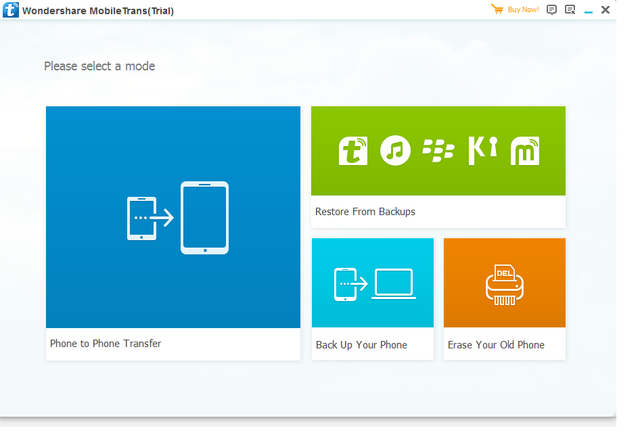
Wondershare MobileTrans moves phone data when a handset swap would otherwise mean hours of manual copying. It handles contacts, messages, photos, music, videos, call logs, and app data in a few guided passes. The Windows edition reaches both Android and iPhone, and it can transfer straight between devices instead of forcing a cloud detour. MobileTrans also copies WhatsApp and other chat histories, including attachments, which is the part most migration tools leave behind. It can back up a handset to a PC and restore that archive later, so a broken phone does not automatically mean a lost address book. The program also works with iTunes backups and local backup files, which gives it a bridge to Apple-centric data stores and older migration habits. Its transfer screen lets you choose exact categories before the copy starts, and that keeps a new device from filling with unwanted clutter. The layout is spare and the steps are linear, so someone who has moved phones before will understand it quickly without digging through nested menus. Wondershare MobileTrans names the source and target devices clearly during each operation, and it warns when a selected item type cannot cross to the other platform. For people managing frequent upgrades, office handsets, or family devices, it serves as a practical bridge between Android dumps, iPhone backups, and chat exports.