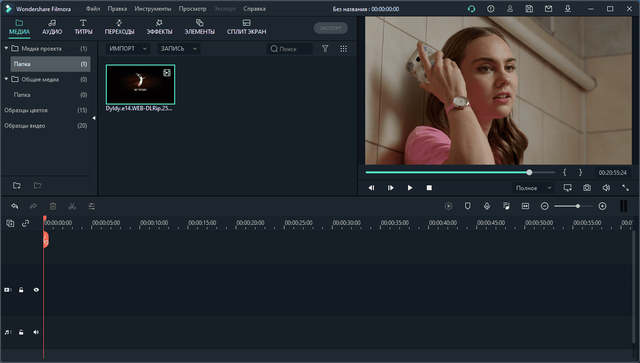
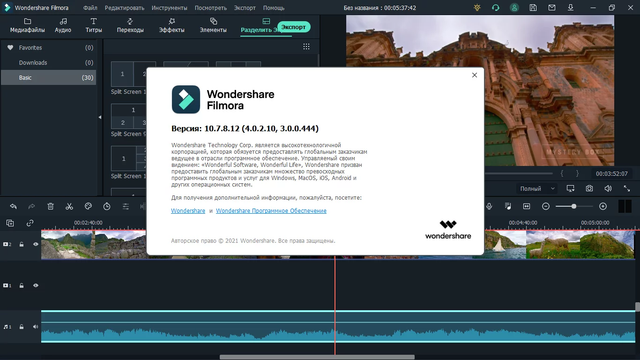
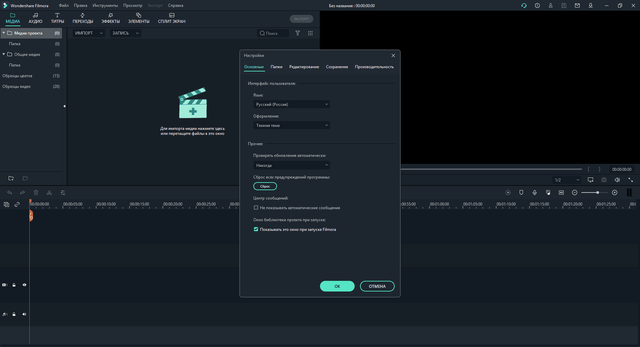
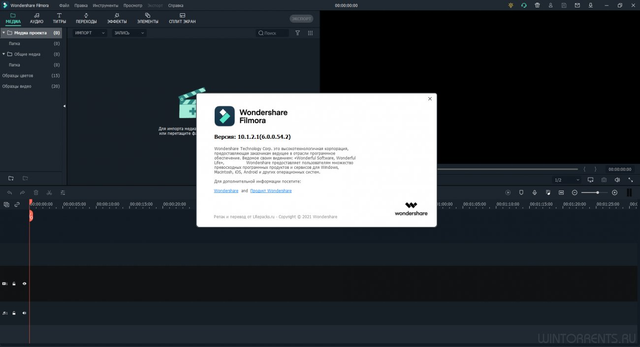
Editors who want faster cuts and cleaner social clips often land on Wondershare Filmora when a full NLE feels heavier than the job. Filmora combines timeline editing with drag and drop trimming, ripple delete, split screen layouts, and motion tracking for text or overlays. Its stock library adds transitions, titles, filters, and audio beds, while keyframing lets you animate position, scale, and opacity without leaving the main workspace. The Windows build also handles green screen compositing, screen recording, speech to text captions, and noise removal for dialogue cleanup. Wondershare Filmora imports common camera and phone formats such as MP4, MOV, AVI, and MP3, then exports finished projects for YouTube, Vimeo, and local archives. It sits closer to consumer and prosumer editors than to heavyweight finishing suites, and the interface keeps most tools within a few panels instead of burying them in nested menus. Templates for intros, lower thirds, and social aspect ratios speed up routine edits, while the chroma key and stabilization controls cover simple fixes without round trips to other apps. Color correction arrives through sliders for white balance, contrast, saturation, and LUT application, so quick grading stays in the same project. The program takes a little time to learn, mainly because its effects stack and clip inspector expose more options than a barebones cutter.中文字幕 support, GIF export, and proxy media round out the format mix for editors who trade between footage, web clips, and short-form deliverables.