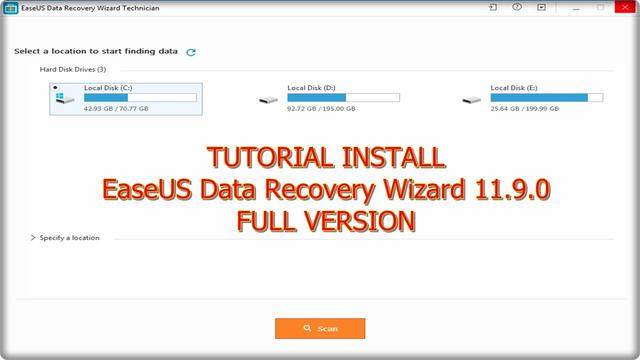
Deleted files, emptied recycle bins, and vanished partitions are the territory EaseUS Data Recovery Wizard targets first. It scans NTFS, FAT, exFAT, and ReFS volumes, then rebuilds a browsable tree from quick and deep passes. EaseUS Data Recovery Wizard also previews photos, documents, archives, and video fragments before you commit to a restore. The search panel filters results by name, type, size, and modified date, which helps separate a lost report from a drive full of old clutter. It can recover data from formatted disks, RAW partitions, USB sticks, memory cards, and crashed external drives. That mix puts it alongside other Windows recovery suites, but it stays focused on file salvage rather than disk cloning or partition editing. Session saving lets an interrupted scan resume later, and the exported scan state avoids repeating the same long search. The program handles common office formats like DOCX, XLSX, PPTX, PDF, and ZIP, plus camera files such as JPG, PNG, MOV, and MP4. Previewing text and media before restoration is especially useful when only part of a record is intact. The interface is straightforward, with a left-side source picker and a results pane that behaves more like File Explorer than a lab console. Most people can learn the main recovery path quickly, though the deep-scan options and file filters reward a bit of attention.