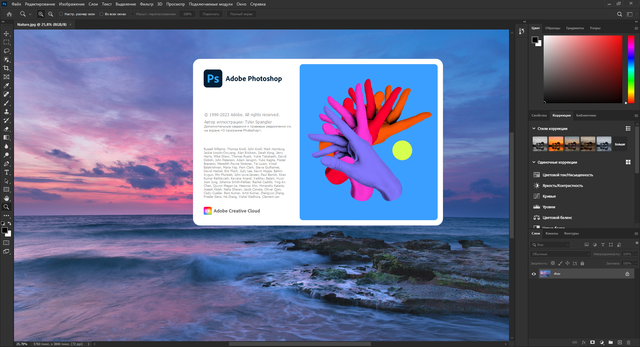
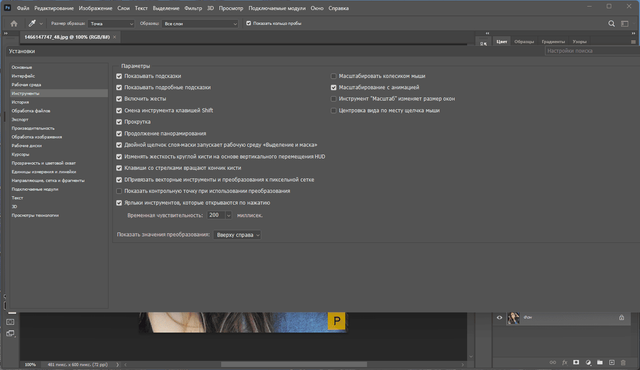
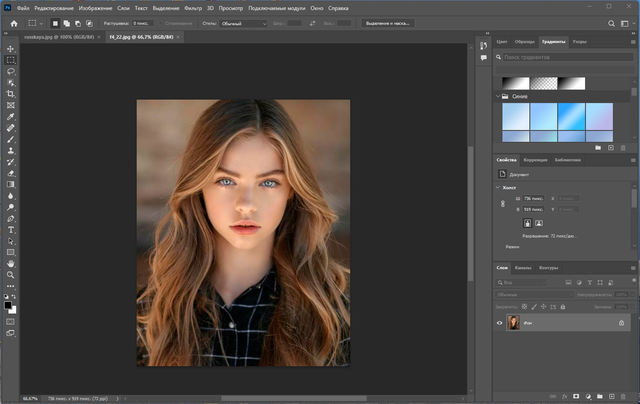
Adobe Photoshop 2023 still anchors raster editing for photographers, retouchers, and compositors who need precise control over pixels and layers. Its layered document model supports blend modes, masks, adjustment layers, and smart objects, which keeps complex edits non-destructive. The program handles RAW imports through Adobe Camera Raw, then moves finished work toward PSD, TIFF, PNG, JPEG, and layered PSB files without forcing a flat export too early. Content-Aware Fill, Select Subject, and the improved object selection tools speed up cutouts and cleanup on portraits, product shots, and busy backgrounds. Photoshop also reaches into text layout, vector shapes, and artboards, so concept artists and social media designers can keep type and imagery in the same file. Camera Raw filters, Curves, Levels, Hue/Saturation, and LUT support give it a deep color pipeline for grading and correction. Generative Fill and other Adobe Firefly features add prompt-based expansion and object replacement for quick compositing passes. It sits beside Lightroom, Illustrator, and After Effects rather than replacing them, since each one covers a different part of image, vector, or motion work. Pen tool paths, layer comps, and export presets make handoff to print shops and web teams more predictable. Photoshop 2023 asks for some practice, but the core editing habits transfer quickly once layers, masks, and selections make sense.